
How to Install a Smart Lighting System: A Step-by-Step Guide


Understanding Smart Lighting Systems
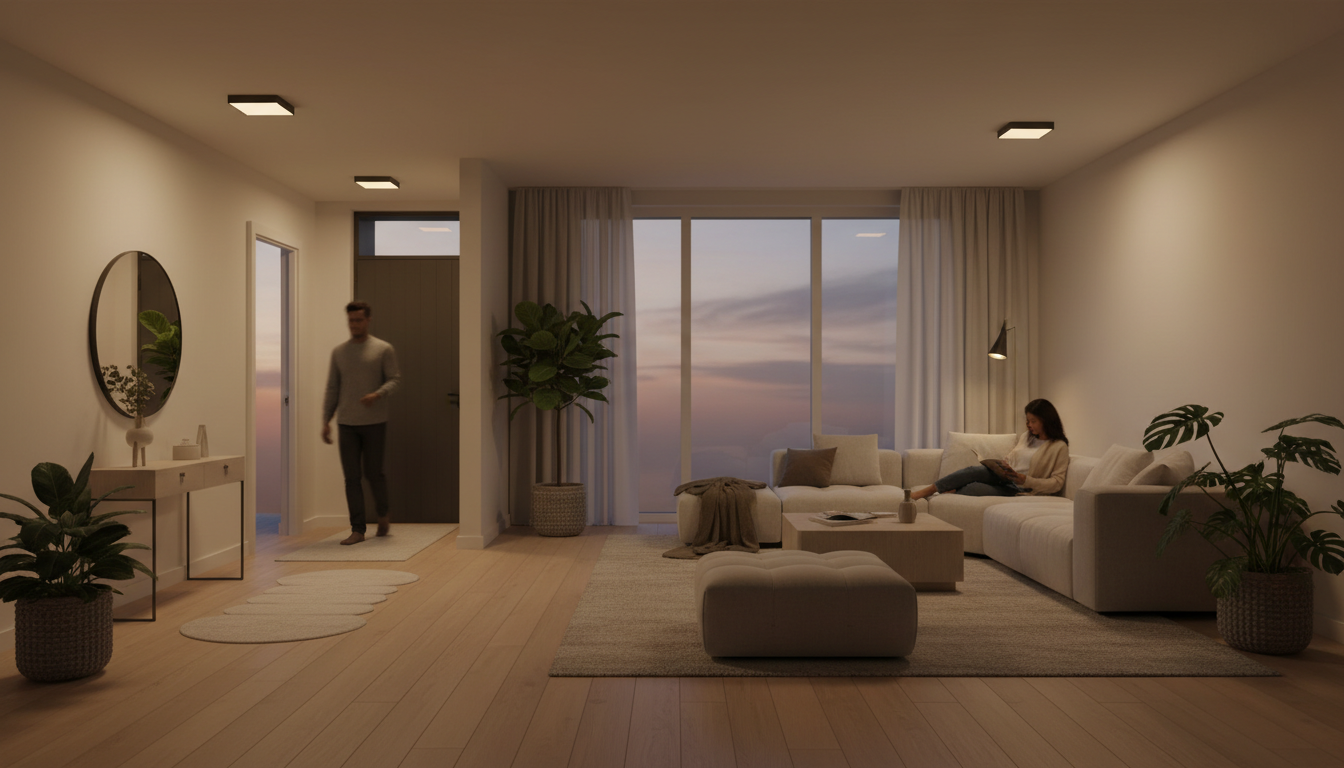
Smart lighting systems are becoming increasingly popular for their convenience and energy efficiency. These systems allow you to control your lights remotely, set schedules, and even integrate them with other smart home devices. Before diving into installation, it's essential to understand the components involved, including smart bulbs, switches, and a compatible hub or app.
Choosing the Right Equipment
Selecting the right equipment is crucial for a successful installation. Consider factors such as compatibility with your existing smart home devices, ease of use, and features like dimming or color-changing capabilities. Research different brands and read reviews to find the best options for your needs.
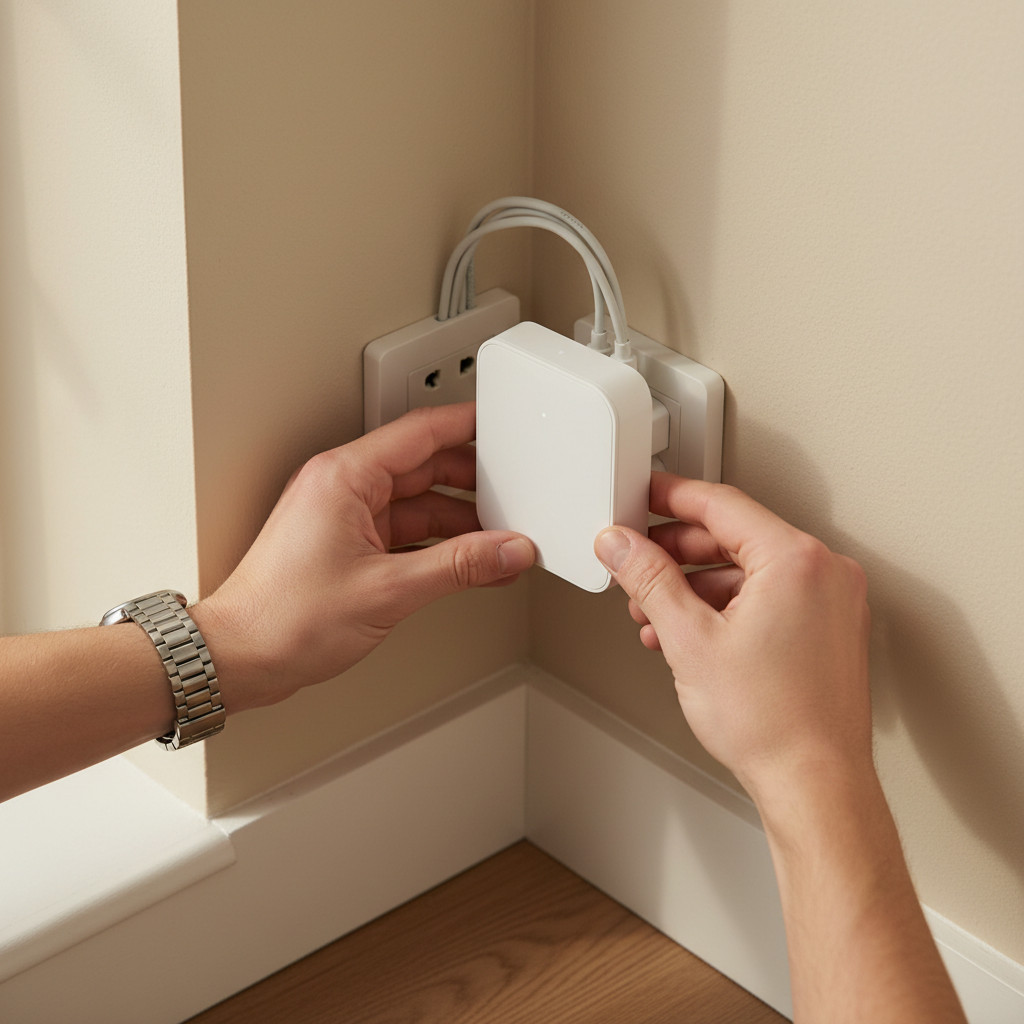
Ensure that your Wi-Fi network is strong enough to support the smart lighting system, as a weak signal can lead to connectivity issues. Additionally, check if you need a hub to connect your devices or if they can be controlled directly through a smartphone app.
Preparing for Installation
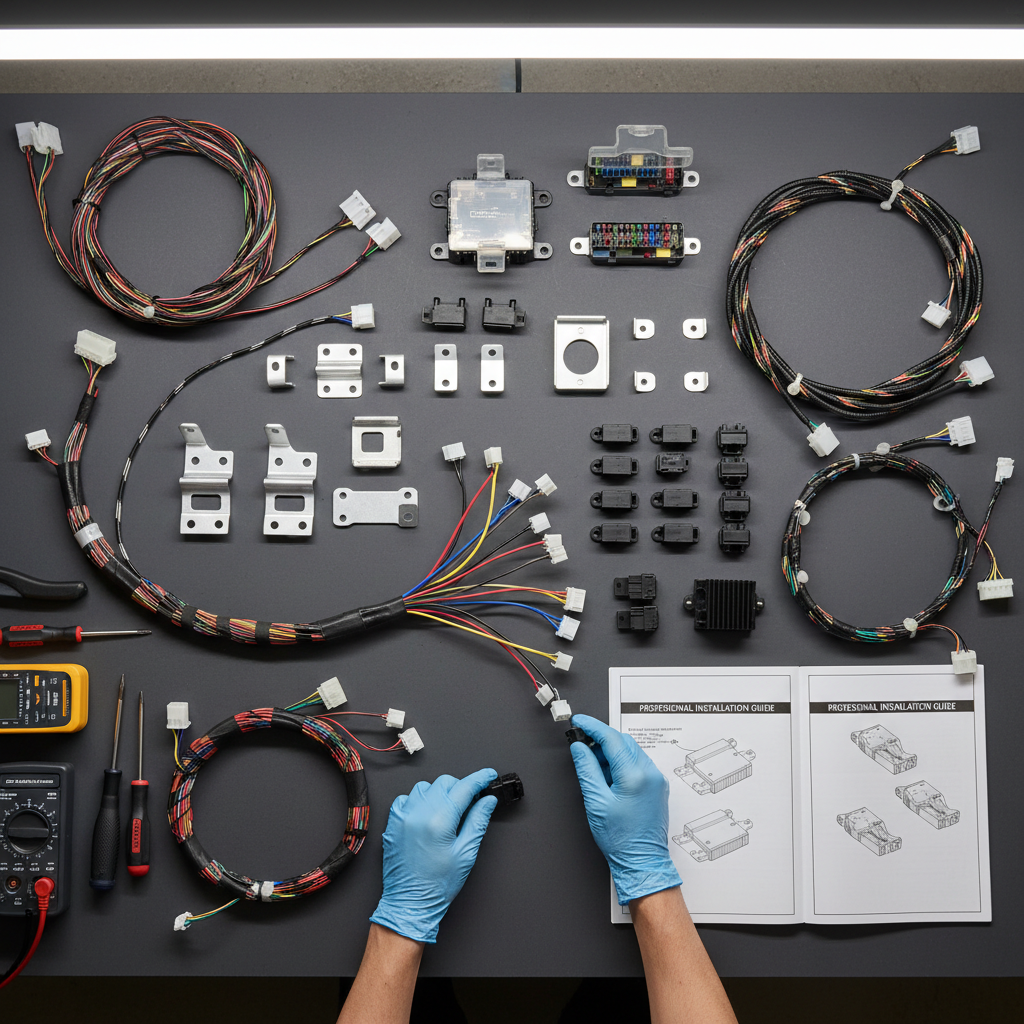
Before starting the installation process, gather all necessary tools and equipment. This typically includes the smart bulbs or switches, a screwdriver, and your smartphone or tablet for app setup. Make sure the power is turned off at the circuit breaker to ensure safety during installation.
Installing Smart Bulbs
Installing smart bulbs is a straightforward process. Follow these steps:
- Remove the current bulb from the fixture.
- Screw in the smart bulb securely.
- Turn the power back on at the circuit breaker.
- Use the manufacturer's app to connect the bulb to your Wi-Fi network.
Once connected, you can control the bulb using the app, enabling you to adjust brightness, schedule on/off times, and more.
Installing Smart Switches
Smart switches offer more control and are ideal for fixtures with multiple bulbs. Here's how to install them:
- Turn off the power at the circuit breaker.
- Remove the existing switch and disconnect the wires.
- Connect the wires to the smart switch following the manufacturer's instructions.
- Secure the switch in the wall and replace the cover plate.
- Turn the power back on and configure the switch using the app.
Configuring Your System
Once all devices are installed, it's time to configure your system. Use the app to create schedules, set scenes, or integrate your lighting with other smart home devices like voice assistants or security systems. This step allows you to customize your lighting experience to fit your lifestyle.
Consider setting up automations to enhance convenience. For example, you can program your lights to turn on at sunset or when you arrive home.
Troubleshooting Common Issues
If you encounter issues, such as connectivity problems or unresponsive devices, try the following solutions:
- Ensure all devices are within range of your Wi-Fi network.
- Restart your router and reconnect the devices.
- Check for software updates for both the app and devices.
Consult the manufacturer's support resources for further assistance if needed.
Enjoying Your Smart Lighting System
With your smart lighting system installed and configured, enjoy the benefits of enhanced control and energy savings. Experiment with different settings to create the perfect ambiance for any occasion. Remember, the key to a successful smart home is continual exploration and adaptation to new technologies.